Local LLM Performance Comparison
16B Parameter Model — Higher is better for fast responses
Speed matters for interactive coding assistants
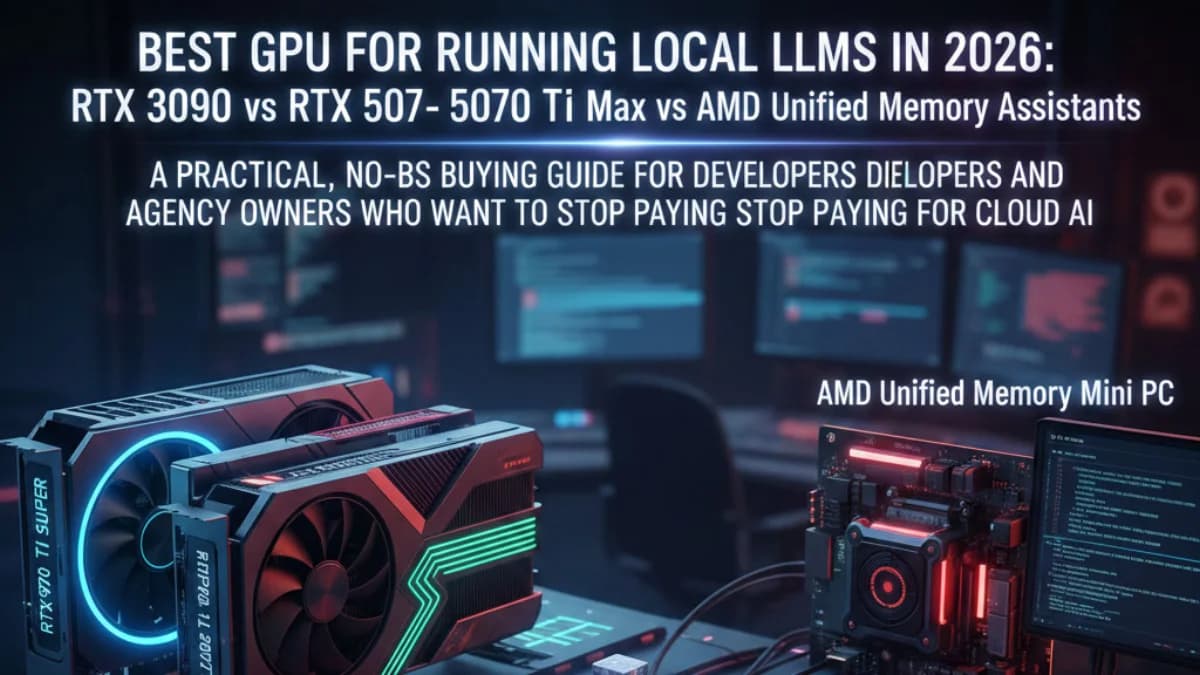
A practical, no-BS buying guide for developers and agency owners who want to stop paying for cloud AI and run their own local coding assistant.
The Problem: Cloud AI Is Getting Expensive and You Don’t Own Anything
If you rely on Claude, ChatGPT, or Copilot for coding work, cloud subscriptions and API costs add up fast. Local LLMs let you keep your code private, control your stack, and avoid recurring model usage fees.
After weeks of comparing GPUs, mini PCs, and real-world inference performance, this is the hardware guide I wish I had from day one.
What Actually Matters for Local LLM Performance
The most important spec is VRAM. If your model does not fit into VRAM, performance falls off a cliff when it spills into system RAM. The second most important spec is memory bandwidth, which drives tokens-per-second.
| VRAM | Sweet Spot Models | Max Comfortable | Example Models |
|---|---|---|---|
| 12GB | 7B - 13B | ~16B quantized | CodeLlama 13B, Phi-4 14B |
| 16GB | 7B - 16B | ~20B quantized | DeepSeek Coder V2 16B, Qwen 2.5 Coder 14B |
| 24GB | 13B - 34B | ~70B (tight) | DeepSeek Coder 33B, Qwen 2.5 72B (Q4) |
| 96GB unified | 34B - 70B | 70B+ full precision | Llama 3.1 70B, Qwen 2.5 72B |
Hardware Options Worth Considering
1) RTX 4070 Ti Super (16GB): Best Value for Most Developers
16GB GDDR6X and 672 GB/s bandwidth make this the best all-around choice for coding assistants. In practice, you can run 16B coding models at very usable speeds with mature CUDA support and minimal setup friction.
2) RTX 3090 (24GB): Best VRAM-per-Dollar for Bigger Models
The 3090 is older but still excellent for local AI due to 24GB VRAM. If your goal is 33B models or heavily quantized 70B workloads, this is still hard to beat in the used market.
3) RTX 5070 Ti (16GB): Fastest 16GB Option, Premium Price
Higher memory bandwidth can deliver faster inference than the 4070 Ti Super, but model capacity is the same at 16GB. You are mostly paying extra for speed gains, not larger-model capability.
4) GMKtec EVO-X2 (96GB Unified): Big Models, Slower Inference
Unified memory opens the door to 70B-class models that cannot fit on typical consumer GPUs. Trade-off: lower tokens-per-second and less mature software stack compared with CUDA.
5) Minisforum MS-S1 Max (128GB Unified): Serious Local AI Workstation
If local AI is central to your business workflows, this class of machine gives you headroom for larger context windows, multi-user serving, and bigger model experimentation in a compact footprint.
Quick Comparison
| 4070 Ti Super | RTX 3090 | 5070 Ti | EVO-X2 | MS-S1 Max | |
|---|---|---|---|---|---|
| Memory | 16GB | 24GB | 16GB | 96GB unified | 128GB unified |
| Typical speed (13B) | 25-35 tok/s | 18-25 tok/s | 30-40 tok/s | 8-12 tok/s | 10-15 tok/s |
| Best use | Daily coding assistant | Bigger local models | Fastest 16GB setup | 70B experimentation | Serious local AI workflows |
Recommended Setup Architecture
- Run your LLM on a dedicated Linux/Windows box with the GPU.
- Use Ollama (or LM Studio) and expose the model server on your local network.
- Connect from your day-to-day machine (Mac/PC) using your coding assistant client.
- Keep latency low with local networking while preserving code privacy.
Used GPU Buying Checklist (Avoid Scams)
- Avoid brand-new seller accounts with no feedback.
- Avoid listings far below market pricing.
- Require real photos of the exact card.
- Prefer listings with returns and buyer protection.
Final Recommendation
If you want the best balance of speed, reliability, and cost, buy a used RTX 4070 Ti Super. If you need larger models, step up to a 24GB RTX 3090 or unified-memory workstation class hardware. For most coding teams, local AI is now practical, private, and cost-effective.
Want help designing the right local LLM setup for your team? JK Dreaming can help you choose hardware, deploy models, and integrate AI coding workflows that actually ship.

![Web Design Cincinnati Ohio: How to Choose the Right Web Designer [2026 Guide] feature image](/_next/image/?url=%2Fblog%2Fweb-design-cincinnati-ohio-choosing-web-designer.webp&w=3840&q=75&dpl=dpl_C7StduFQY6DaufJzGTjyvkjiFwfh)